A console for each job. One brain underneath.
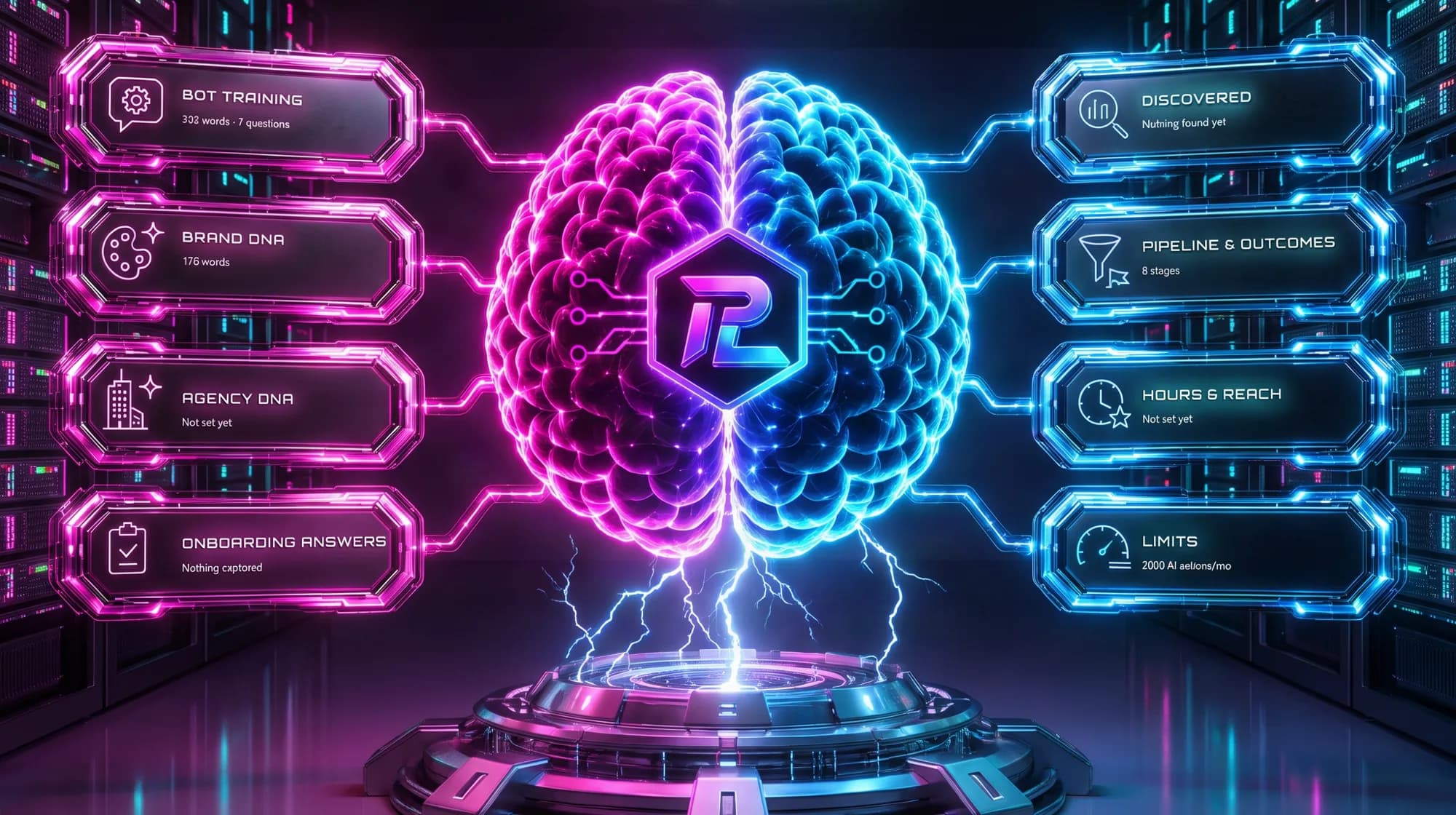
Most agency software is a pile of features behind a menu — it can tell you where everything lives, but not what needs doing. Peak Logic OS is built the other way round: one intelligence works out what's waiting across all your accounts, and each person opens a console that hands them their share of it.
One intelligence, not eight dashboards.
There is exactly one brain per agency. It reads your accounts, your spend, your conversations and your outcomes, and works out what needs a human — then routes each thing to the console where that job lives.
You don't open the brain to start your day. Work should arrive where your job is, so each person lands straight on their own console. The brain is what put the work there.
- Nothing is re-entered. A lead answered by the AI shows up in results, feeds the learning loop, and appears in the client's own portal.
- What it suggests, it explains — in a sentence stating the actual evidence, which means you can argue with it.
- It doesn't act on your ad budget or message your leads on its own. That's structural, not a setting you have to find and switch off.
Queues, not pages.
Each tile on a console is a queue of one kind of work, gathered from every account you can reach. Not a link to a section — the work itself, with its reason attached.
Tiles never move
A tile changes state, never position. It goes loud when work is waiting, pulses once something is genuinely overdue, and dims when it's clear. If tiles vanished as you cleared them, everything else would shift and you'd have to re-read the screen every time — a spatial layout that's slower than a list is worse than a list.
You batch by verb
Open the Creative queue and do six creatives across six clients in a row. The alternative — open client, find the work, do it, go back, open the next client — is the same six jobs plus six context switches. That difference is the whole point of the layout.
You don't come back to a menu
Once you're in a queue there's a bar along the bottom: Creative · 4 of 9 · Surewest Roofing · done, next. You finish one and the next arrives. Navigation becomes the exception rather than the thing between every two pieces of work.
Who works where.
Below are the real queues, named as they appear in the product. Every one of them has detection behind it — a tile with nothing behind it says “not built yet” rather than showing you a reassuring zero.
Campaign Manager
The person running campaigns for ten clients at once. Every queue here spans every account they handle, so the day is organised by the kind of work rather than by whose logo is on it. Eight creatives in a row beats eight context switches, and that is where the time actually goes.
- Needs a human — the AI stepped back and someone is waiting
- Creative — ready to launch, and owed this week
- Approvals — sitting with the client, unsigned
- Campaigns — spend that isn't performing
- Updates due — drafted, unsent
- Opportunities — upside available

Client Success
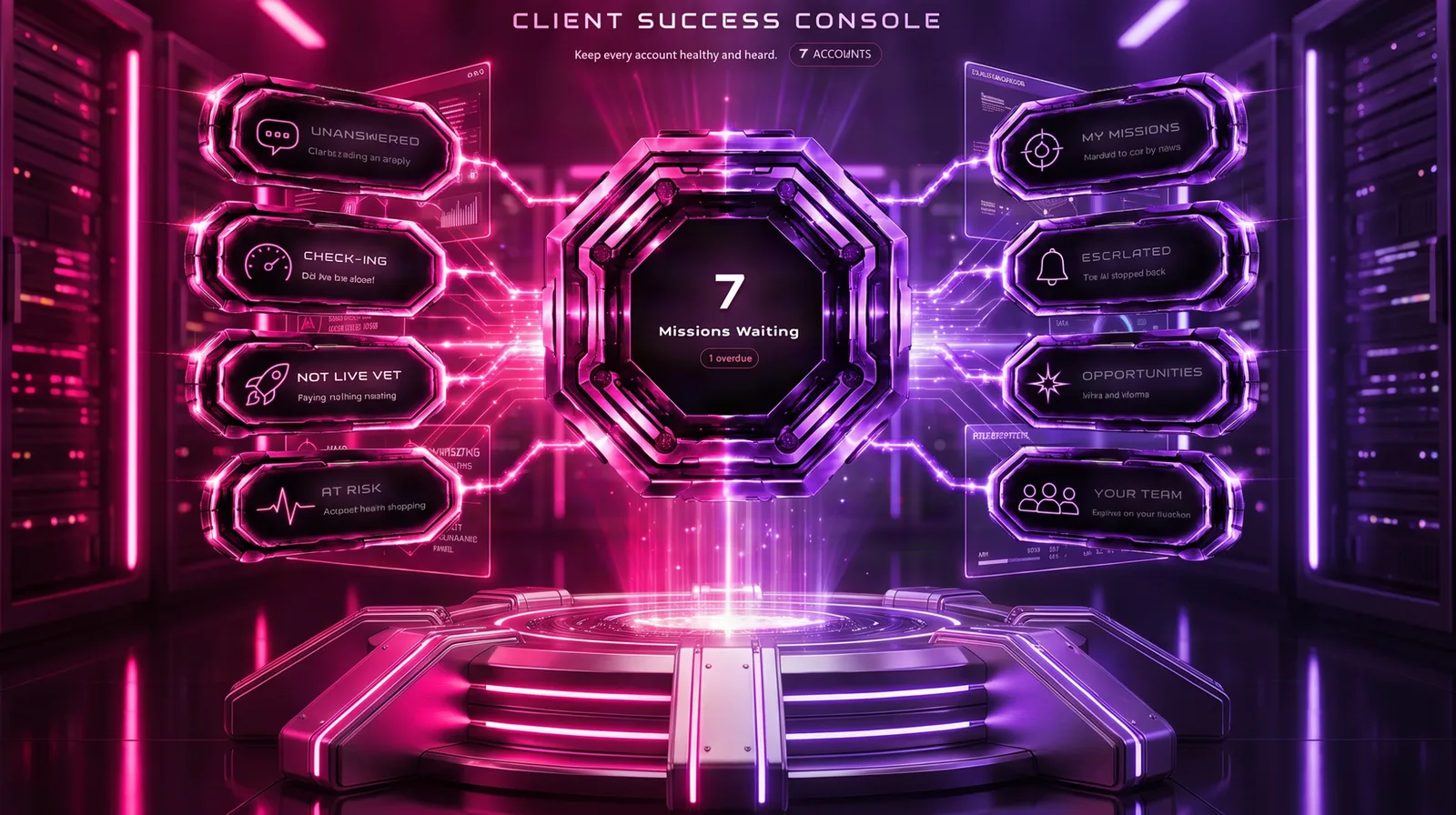
Agencies rarely lose clients over strategy. They lose them over silence. The left half of this console is the client talking to you; the right half is you working. That split is the reason it has two colours at all — otherwise colour is decoration.
- Unanswered — clients waiting on a reply
- Check-ins — did the job close?
- Not live yet — paying, nothing running
- At risk — account health dropping
- Escalated — the AI stepped back
- Opportunities — wins and storms
Owner
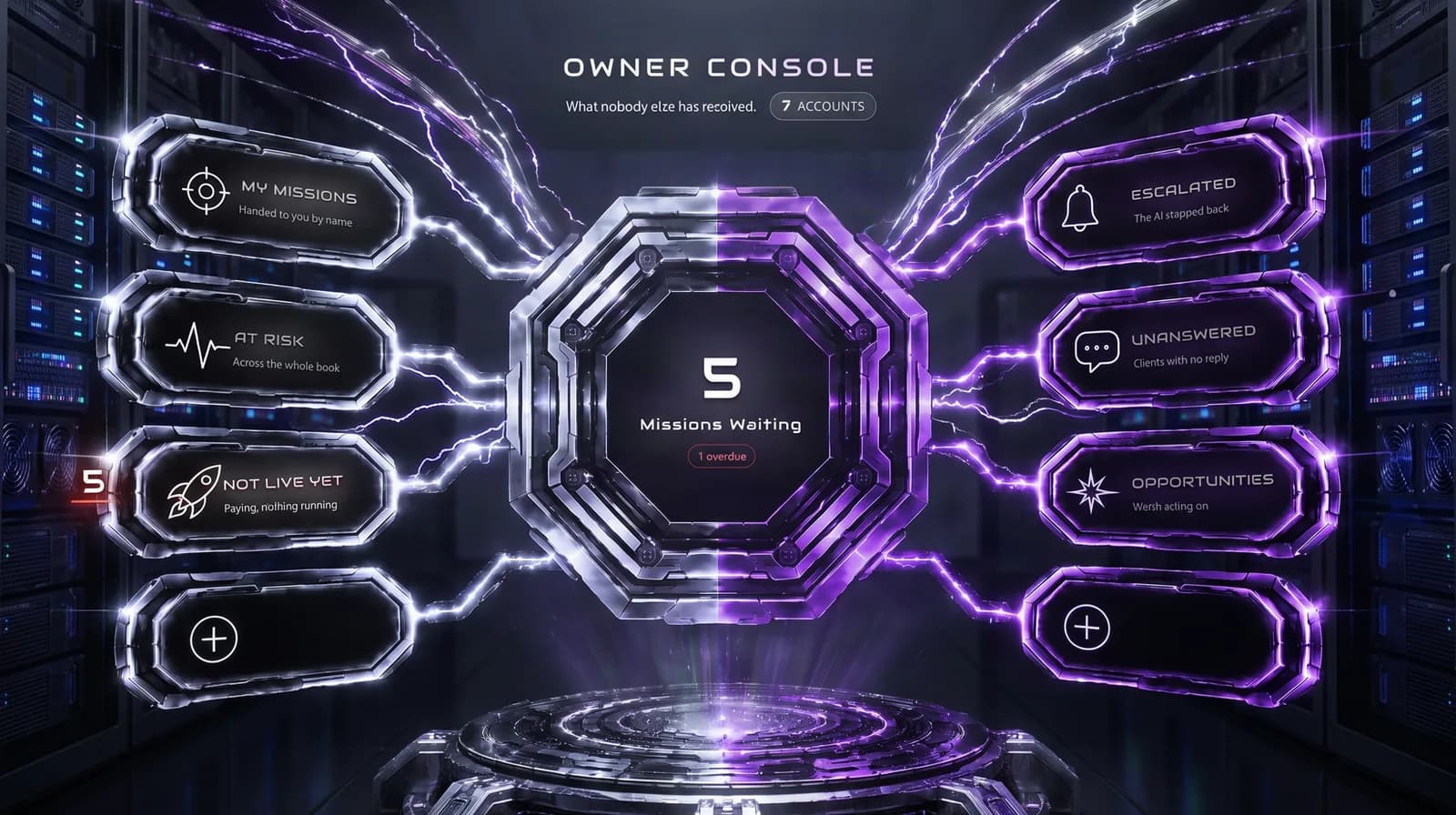
Deliberately not a dashboard of everyone's numbers. Routine unresolved work never lands here by default — it belongs to whoever owns it, and making the owner responsible for everything is how an owner ends up doing everyone's job. Two sockets on this console are empty, because inventing a queue to fill a gap is exactly the mistake consoles exist to undo.
- At risk — across the whole book
- Not live yet — paying, nothing running
- Escalated — nobody has picked it up
- Unanswered — clients with no reply
- Opportunities — worth acting on
- My missions — handed to you by name
Sales and Admin are still filling up
Both consoles exist, and roughly half of each is live — proposals out and contracts unsigned, overdue invoices and accounts with nobody assigned. The rest is being built, and until it is, those tiles say so rather than reporting a zero we haven't earned. We'd rather tell you that now than have you find it in week two.
“Nothing to do” and “I don't know” are different sentences.
Every dashboard you have ever used shows a zero when its query fails, and you read that zero as good news. Peak Logic OS keeps four answers apart on purpose, because conflating any two of them is how software starts lying to you quietly.

- Overdue — someone has waited past the point they should have. The only state that pulses, because if everything pulses then nothing does.
- Waiting — real work, not yet late.
- Clear — we looked, and there is genuinely nothing. This is the one you can trust precisely because the other three exist.
- Unknown — the check itself failed, or the job that feeds this queue hasn't run. It goes grey and says so. It never reports zero.
That last one is the whole argument. A queue that reads “all clear” because a background job died at 4am is worse than a queue that admits it doesn't know — the first costs you a client and you never find out why.
Common questions.
What is the difference between the brain and a console?
Does everyone see every console?
What happens when something breaks?
Can I mark something done to clear it?
Is there still a normal menu?
See the whole system in 20 minutes.
We'll walk your agency's actual workflow, not a canned demo.
Book a demo →